Could You Spot a Tech Support Scam?
Five quick questions. Find out if your instincts would protect your savings — or put them at risk.
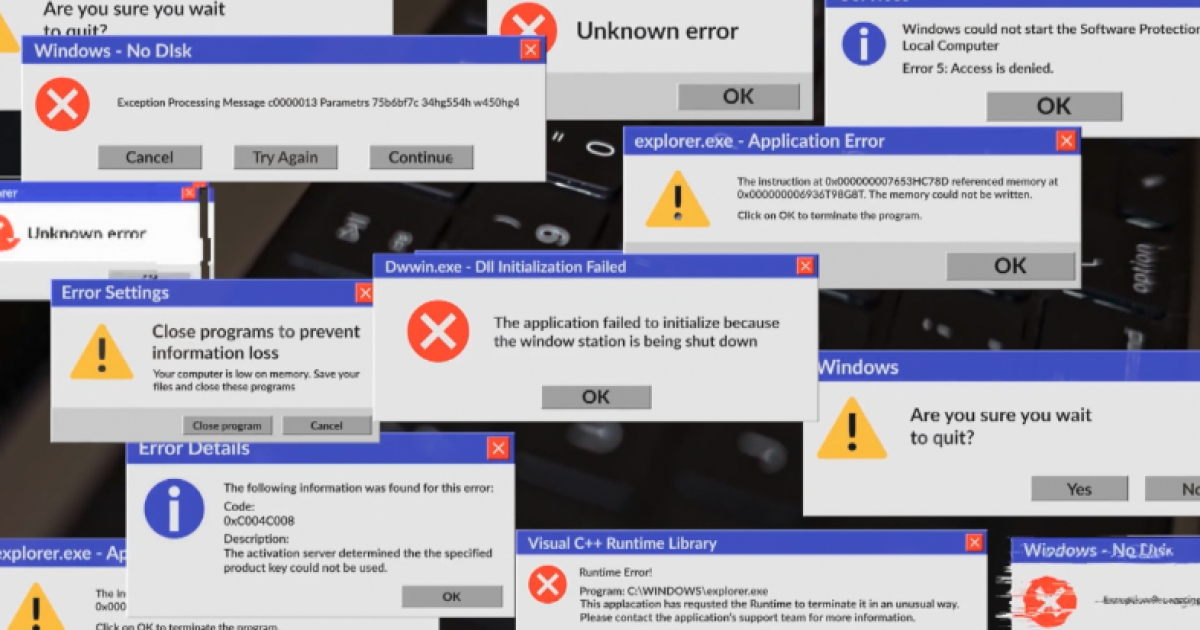
A pop-up appears on your screen with loud alarms and a warning that your computer is infected. It shows a phone number to call immediately. What do you do?
- Call the number — it looks official — This is exactly what scammers want. That phone number connects directly to a criminal, not a tech company. Never call numbers displayed in unsolicited pop-ups.
- Close the browser or shut down your device — Smart move. Closing or restarting your device ends the threat without giving scammers any access. Most fake pop-ups disappear instantly.
- Click the 'Fix Now' button in the pop-up — Clicking that button likely installs remote-access software — handing criminals the keys to your computer and every account on it.
- Take a photo and ask a family member later — Better than calling, but shutting down immediately is safer. The longer the pop-up is active, the higher the risk of accidental interaction.
A caller who says they're from Microsoft asks to remotely access your computer to fix a virus. They say it's free. You should:
- Allow it — Microsoft would know how to fix it — Microsoft will NEVER call you unsolicited or ask for remote access out of the blue. This is a textbook scam script. Hang up immediately.
- Ask them for a case number to verify later — Skepticism is good, but scammers can fake case numbers. The safest move is to hang up and call Microsoft directly using their official website number.
- Hang up and call Microsoft using the number on their official website — Exactly right. No legitimate tech company will solicit you for remote access. Independent verification through official channels is always the correct step.
- Let them access only your desktop, not your files — Once a criminal has remote access to your screen, they can navigate anywhere — your files, your browser, your saved passwords, your financial accounts.
After the 'tech support' call, the agent says you owe $299 to fix your computer and asks you to pay with Google Play or iTunes gift cards. This is:
- A reasonable payment method for tech services — Gift cards are the payment method of choice for scammers because they're untraceable and irreversible. No legitimate company ever requests gift card payment.
- A major red flag — a scam tactic — Correct. The FTC identifies gift card payment requests as one of the clearest signs of a scam. Legitimate businesses use invoices, credit cards, or bank transfers.
- Unusual but acceptable since they're helping you — The 'help' is fabricated. The fee is the actual goal. Gift cards cannot be refunded or traced once redeemed, making them the perfect scam currency.
- Fine if the amount seems small — Scammers often start with small amounts to build trust, then escalate. The initial fee is rarely the last request.
Why do tech support scammers specifically target retirees and their retirement accounts?
- Retirees are less tech-savvy on average — Partially true, but the bigger reason is financial. AARP notes that criminals go where the money is — and retirement accounts often hold far more than checking or savings accounts.
- Retirement accounts hold more money than typical bank accounts — Exactly. AARP fraud experts say criminals' number-one goal is to steal as much money as quickly as possible. Retirement and brokerage accounts are simply the biggest targets.
- Retirees are online more often during the day — Being online more does increase exposure, but the primary driver is financial — retirement accounts represent decades of savings, making them high-value targets.
- Banks protect retirement accounts less than checking accounts — This isn't accurate. The real draw is the account balance. Criminals want maximum return, and retirement funds often represent the largest pool of liquid savings a person has.
You realize mid-call that this might be a scam — the caller asked for remote access and is now navigating your files. What's your FIRST move?
- Politely say goodbye and hang up — Hanging up is right, but skip the pleasantries. Every second of access is a risk. Disconnect immediately, then unplug your internet or power off the device.
- Disconnect the internet or power off immediately, then call your bank — Perfect response. Cutting connectivity ends their access instantly. Then call your bank and financial institutions to alert them and freeze accounts if needed.
- Ask them to stop and watch what they're doing — Criminals work fast. While you watch, they may already be capturing passwords, transferring funds, or installing malware that persists after they disconnect.
- Change your passwords while they're connected — If they have live remote access, they can see everything you type — including your new passwords. Disconnect first, change passwords after the connection is severed.
Brenda's nightmare started the way millions of scams do: with a pop-up. The retired woman — who asked that her last name not be used — was browsing on her laptop when an alarming security alert filled her screen. It looked legitimate. It had a Microsoft logo. It had a phone number. So she called.
The person who answered told her there was illegal material on her computer. Panicked and confused, she followed their instructions to download a program that would 'clean' her device. That download handed criminals complete remote control of her laptop — and everything on it.
What do I do now? I'm out almost $20,000 and can't recoup probably none of it.Brenda, retired scam victim
Amy Nofziger, senior director of victim support for AARP's Fraud Watch Network, says her organization's helpline fields calls about these fake pop-ups every single day. She described the scam's core hook simply: the pop-up triggers panic, and panic overrides judgment.
Nofziger was direct about the single biggest warning sign: 'No legitimate company will ever ask for unsolicited remote access to your computer. That is not just a red flag — that is a flashing neon sign.'
What a Real Alert vs. a Scam Alert Looks Like
🚨 Scam Alert
- URGENT Tone Designed to cause panic
- Includes a phone number to call NOW
- Demands remote access to 'fix' the issue
- May play loud alarm sounds
- Asks for gift card or wire payment
- Blocks Screen behavior Won't let you close or navigate away
✅ Legitimate Warning
- Calm Tone Informational, not panicked
- Directs you to official settings or support pages
- Never asks to access your device remotely without your initiation
- No audio alarms or countdown timers
- Charges go through verified, official billing channels
- Closeable Screen behavior You can dismiss and navigate normally
Retirement accounts are the crown jewel for these criminals. Unlike a checking account that might hold a few thousand dollars, a 401(k) or brokerage account can represent decades of accumulated savings. AARP's fraud experts put it plainly: criminals go where the money is, and for many Americans — especially retirees — that means retirement funds.
Scripps News attempted to call the fake Microsoft number Brenda was given. The line played a recording stating the number was unavailable. Her credit union confirmed it is investigating the theft, but recovery of funds in these cases is rare.
Tech Support Scam Myths — Fact-Checked
Microsoft, Apple, or Google will call you if they detect a virus on your computer.
Verdict: false
None of these companies proactively contact customers about device infections. Any unsolicited call, pop-up, or email claiming to be from a major tech company and warning about a virus is a scam.
If a pop-up looks official and has a real logo, it's probably legitimate.
Verdict: false
Scammers replicate official logos, fonts, and color schemes with ease. Visual authenticity is meaningless. The presence of a phone number in an unsolicited alert is itself the red flag.
Allowing remote access to 'just your desktop' keeps your accounts safe.
Verdict: false
Once a criminal has remote access to your screen, they can navigate your browser, access saved passwords, open financial websites, and transfer funds — all in real time.
Hanging up immediately and restarting your device can stop a pop-up scam.
Verdict: true
AARP experts confirm that shutting down or restarting your device typically ends the threat if you haven't yet downloaded anything or granted remote access. Acting fast matters.
Victims can usually recover money lost to tech support scams.
Verdict: mostly false
Recovery is rare. Wire transfers and gift card payments are nearly impossible to reverse. Some banks investigate and may reimburse limited amounts, but full recovery is uncommon.
The Scope of Tech Support Fraud in America
- $924M — Lost to tech support scams
- 32,000+ — Complaints filed
- 60% — Victims over age 60
- $28K — Avg loss, victims 60+
What To Do If a Suspicious Pop-Up Appears
- Do NOT call any number shown in the pop-up — That number connects directly to a scammer's call center, not a tech company. The urgency is manufactured to make you act before you think.
- Close the browser window or shut down your device — Press and hold the power button if the pop-up won't let you close it normally. Restarting clears most browser-based threats instantly.
- Never download software a pop-up recommends — Any program a scam pop-up tells you to install is almost certainly remote-access software — it gives criminals full control of your computer.
- If you already called, disconnect the internet immediately — Unplug your router or turn off Wi-Fi on your device. Every second of live remote access is dangerous. Speed matters.
- Contact your bank and financial institutions right away — Alert them to a potential breach. They can freeze accounts, flag unusual transactions, and begin an investigation. Call using the number on the back of your card — not a number from any pop-up.
- Report the scam to AARP and the FBI — Call the AARP Fraud Watch Network Helpline at 877-908-3360. File a report with the FBI's Internet Crime Complaint Center at ic3.gov. Reports help investigators track and disrupt these operations.
How Scammers Build Such Convincing Fake Pop-Ups
Tech support scam pop-ups are often built using standard web code — the same tools legitimate websites use. Criminals register lookalike domains and use JavaScript to create fullscreen overlays that mimic real operating system alerts, complete with copied logos, official color schemes, and fake case numbers.
Some pop-ups use audio: a looping alarm or a robotic voice reading the alert aloud. This audio component is deliberate — it escalates emotional arousal and makes thinking clearly harder. Cognitive researchers call this 'affect heuristic': when we're scared, we rely on fast, instinctive decisions rather than careful reasoning.
Many of these operations are run from overseas call centers with dozens of agents working shifts, following scripts designed to keep victims on the line and talking. The phone number in the pop-up routes directly to these centers. Once a victim calls, agents are trained to build trust, create urgency, and guide the victim step by step through granting remote access.
Tech Support Scam vs. Legitimate Tech Support
| Scam | Legitimate Support | |
|---|---|---|
| How contact is initiated | They contact YOU (pop-up/call) | YOU contact them via official site |
| Remote access request | Immediate, unsolicited | Only after you initiate a support case |
| Payment method | Gift cards, wire, crypto | Credit card, invoice, official billing |
| Urgency level | Extreme — act NOW or lose everything | Calm, step-by-step, no pressure |
| Can you verify their identity? | No — they refuse or deflect | Yes — case numbers, official accounts |
| What they access | Your entire system + financial accounts | Only the specific issue you reported |
You Have Resources. Use Them.
- AARP Fraud Watch Network Helpline: Free, confidential support from fraud specialists — whether you're a victim or just want to protect yourself. Available to all Americans, not just AARP members.
- FBI Internet Crime Complaint Center: File an official report about tech support fraud. Your report helps federal investigators track patterns and disrupt scam operations.
- FTC Consumer Information: The Federal Trade Commission has detailed guides on recognizing and reporting tech support scams, plus what to do if you've already been victimized.
- Contact Your Bank Immediately: If you gave scammers access to your accounts or sent money, call your bank's fraud line right away. Use the number on the back of your card — not any number from the pop-up.
Sources & References
- Primary source: us-news — John Matarese
- FBI Internet Crime Complaint Center (IC3) — Annual tech support fraud complaint totals, financial losses, and victim age demographics
- AARP Fraud Watch Network — Red flags for fake tech support scams, guidance on remote access requests, and victim support resources
- Federal Trade Commission (FTC) — Consumer guidance on tech support scams, payment method red flags, and reporting procedures
- Scripps News / Don't Waste Your Money — Original reporting on Brenda's case and AARP expert interviews on fake pop-up scam tactics